Reduces wear and preserves capacity for years to come
One-time payment · No subscription
Sound on alert
Runs in the background — you just use your laptop
Lives silently in the system tray, no open window required, minimal resource usage
Keeps charge in the safe range — cell degradation slows down significantly
Set a minimum and maximum threshold — the app alerts you when it's time to act
* Keeping charge between 20–80% per Battery University BU-808
Features
Minimum and maximum — tailored to how you use your laptop
Audio signal and popup window when a threshold is reached
Real battery wear and cycle count monitoring
Sound off, popup alerts stay active
EN · ES · DE · FR · IT · PT · RU
Interface theme | Auto-start | Background operation
Charge
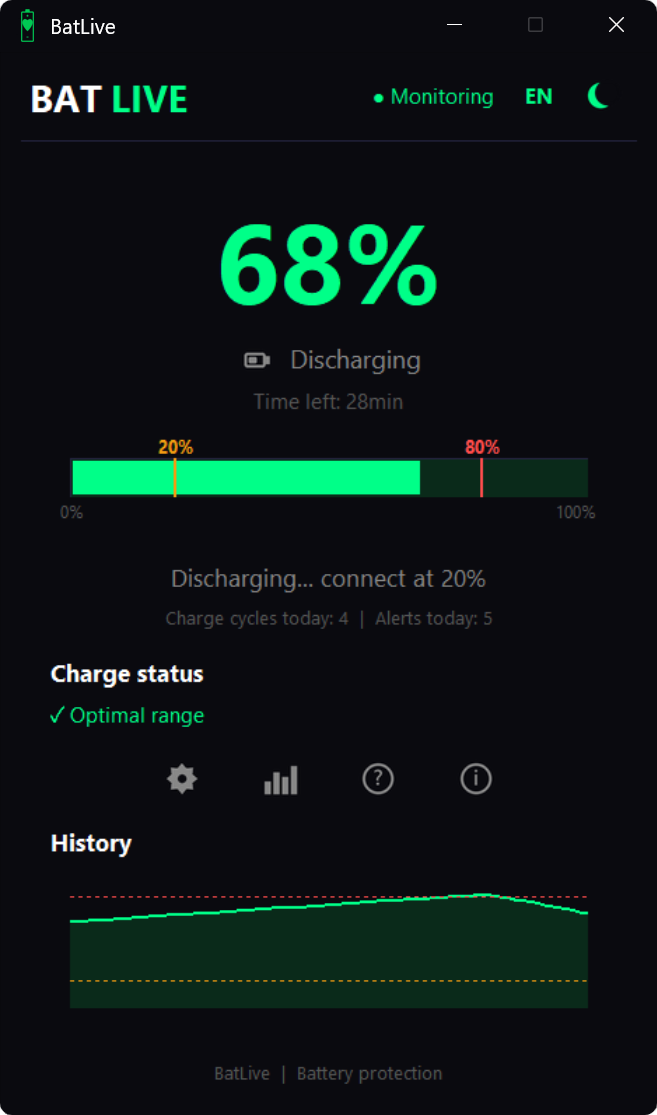
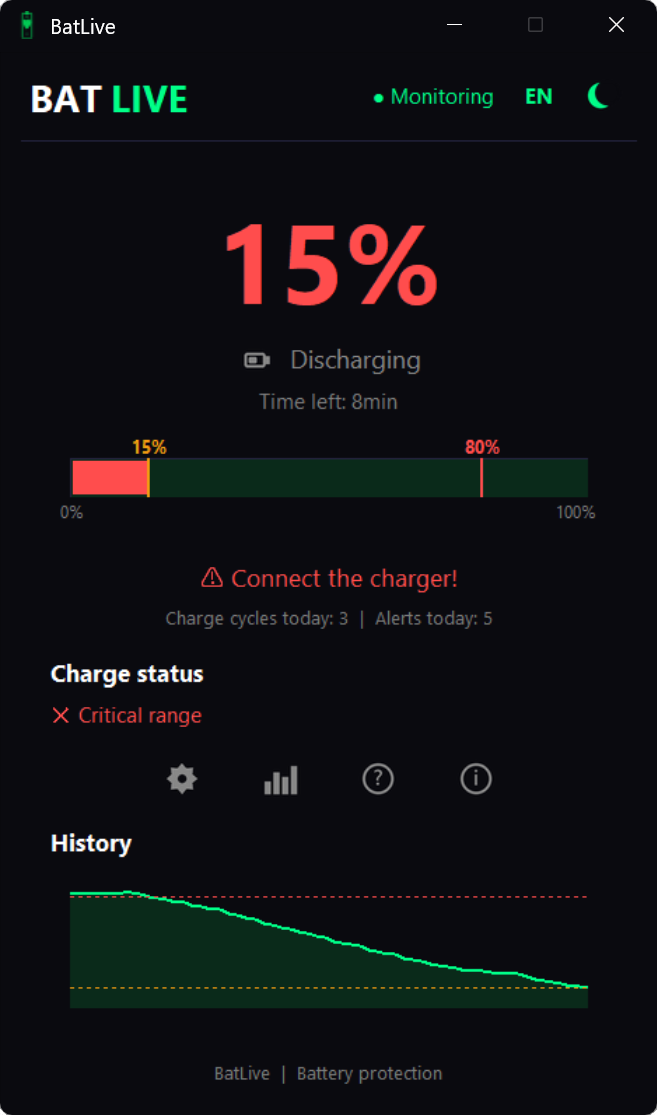
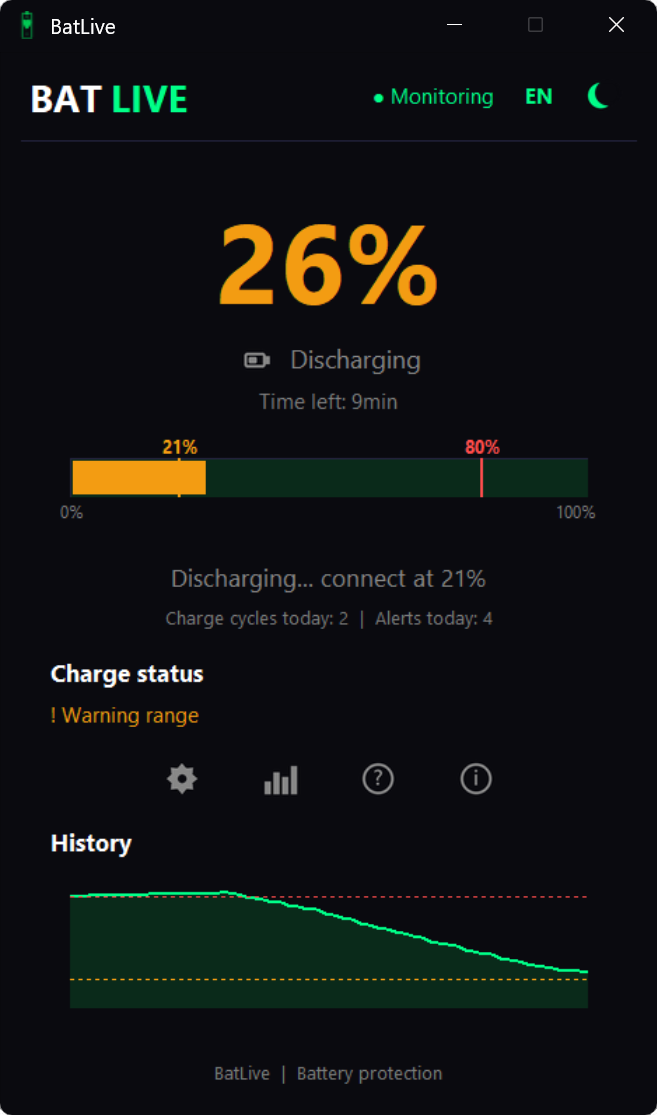
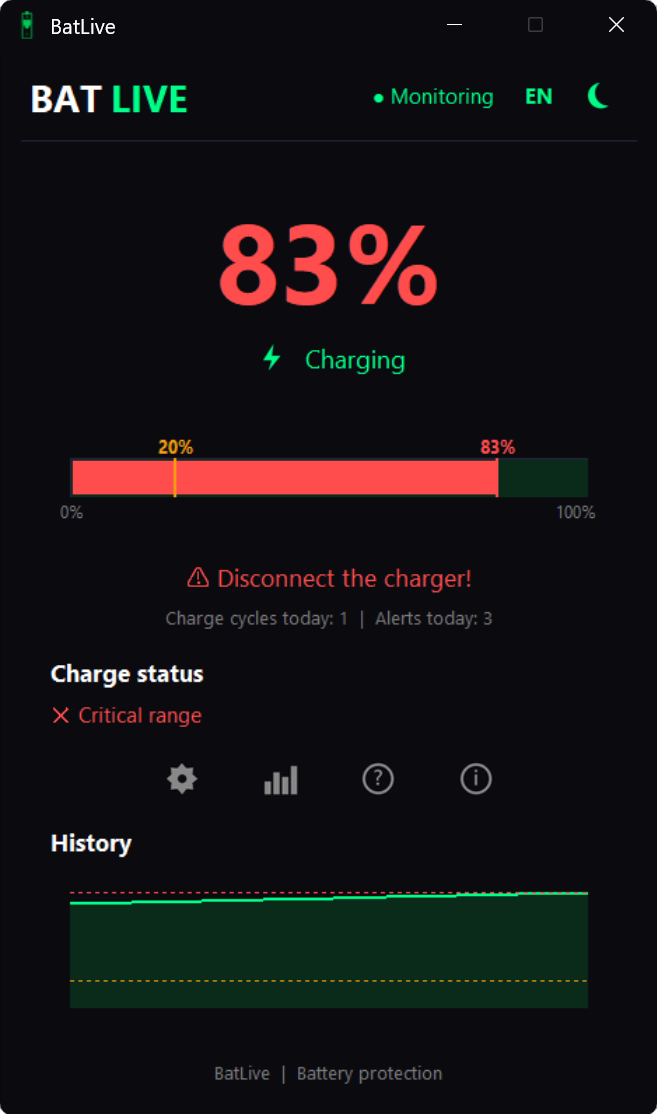
BatLive monitors and notifies you when it's time to plug in or unplug the charger.
Low battery · connect
Normal use · 31%
High charge · disconnect
Status
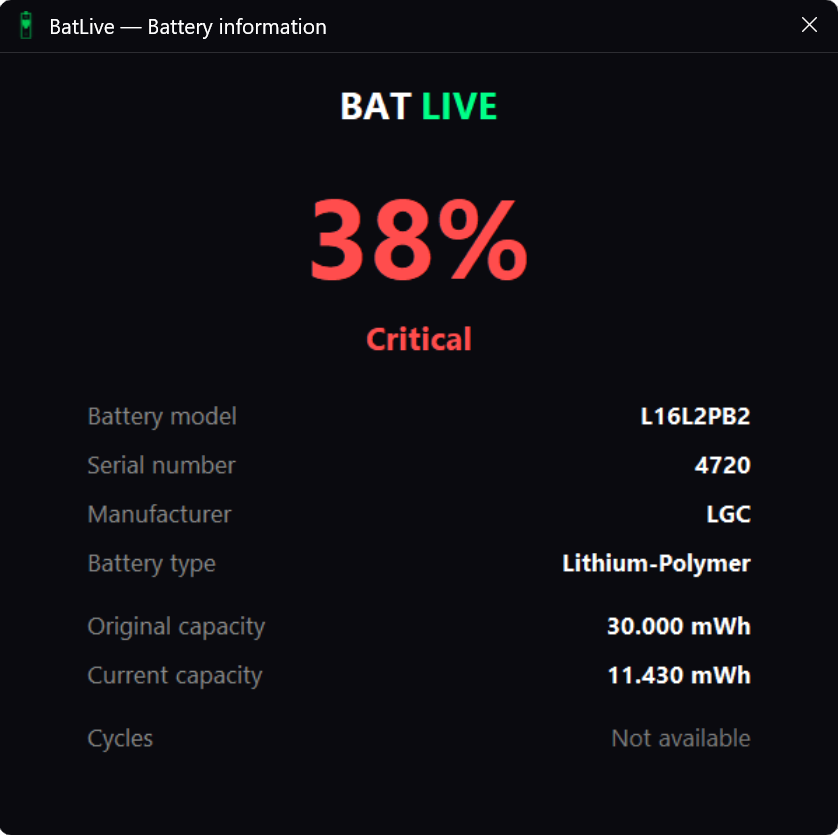
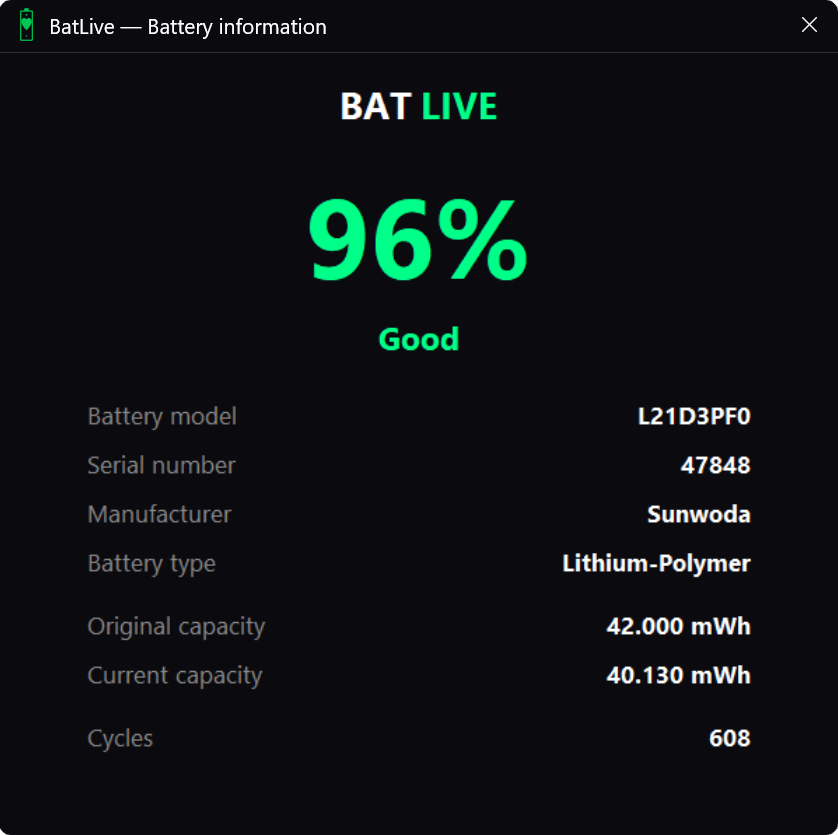
BatLive uses system data on charge cycles and battery capacity to accurately evaluate its real condition. The application analyzes the level of battery wear and clearly displays its current health status: from «Good» and «Fair» to «Degraded» or «Critical».
Pricing
Receive your license key instantly by email after payment
FAQ
BatLive helps reduce battery wear by reminding you when to plug in or unplug your charger. Battery wear increases when the battery stays at 100% for extended periods (high-voltage stress) or drops below 20% (deep discharge). BatLive monitors these conditions and alerts you to keep your battery within the optimal 20–80% charge range, where battery wear is lower.
No. BatLive is only available for Windows 10 and Windows 11. There are currently no versions for Mac or Linux.
No. BatLive is designed exclusively for laptops.
Yes. You only need an internet connection once to activate your license. After that, BatLive runs locally and continues protecting your battery even when you're offline. Your license is automatically revalidated in the background every 7 days.
No. BatLive uses less than 20 MB of RAM and checks your battery once every second. The impact on performance is negligible.
You'll receive your license key and download link by email. Simply download BatLive, install it, enter your license key, and you're ready to go!
No. Each license is linked to a single device (HWID). A separate license key is required for each laptop.
If you reinstall Windows on the same laptop, your license will be automatically reactivated because it is linked to your laptop's hardware identifier (HWID). You only need to enter your license key again.
BatLive is a digital product delivered immediately after purchase, so the 14-day right of withdrawal is waived during checkout. However, if you experience a technical issue, contact us within 14 days of purchase, and we'll review your case individually.
BatLive respects your privacy. It only uses your hardware identifier (HWID) to validate your license and your battery's technical data to display your battery history. We do not collect personal data, track your activity, or share any information with third parties.
Questions about your license, installation issues or anything else — write to us directly.